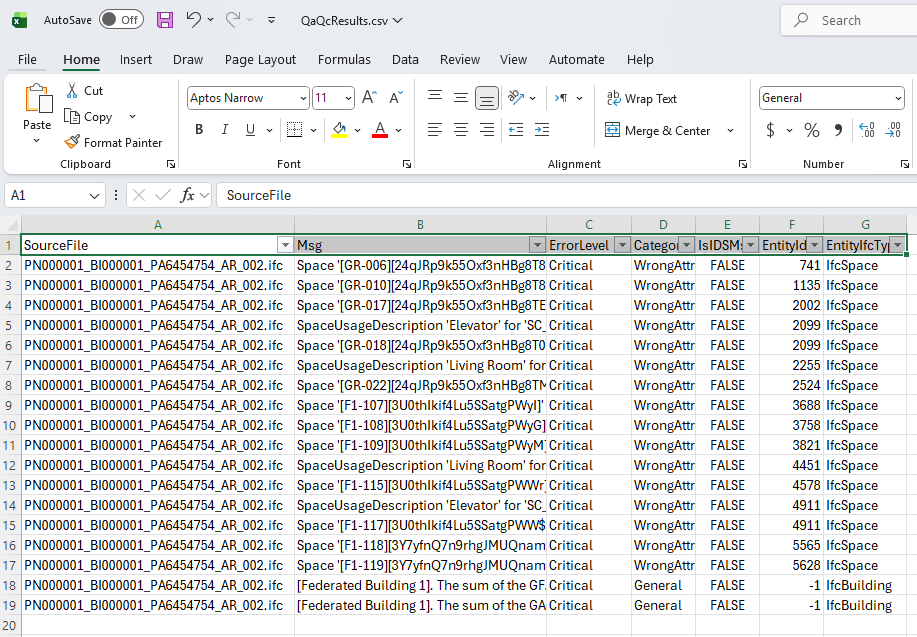
This application is provided by DM to check IFC models for critical issues. The application can be downloaded from here.
Running the Application
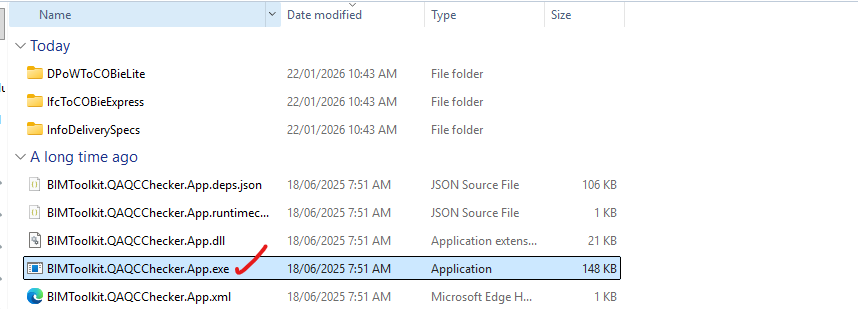
Once the app is downloaded, unzip the file locally. The application does not require installation.
Click on BIMToolkit.QAQCChecker.App.exe to run the app.
- Place the IFC files you want to check in a folder, copy the folder path, paste it into the QA/QC app, and press Enter. You can ignore warning issues.

The results of the check will be saved in the same folder as QaQcResults.csv.
The results will display all issues found in the files. It is important to resolve ‘Critical’ issues first.